
Soundboard meaning: what it is and how it works
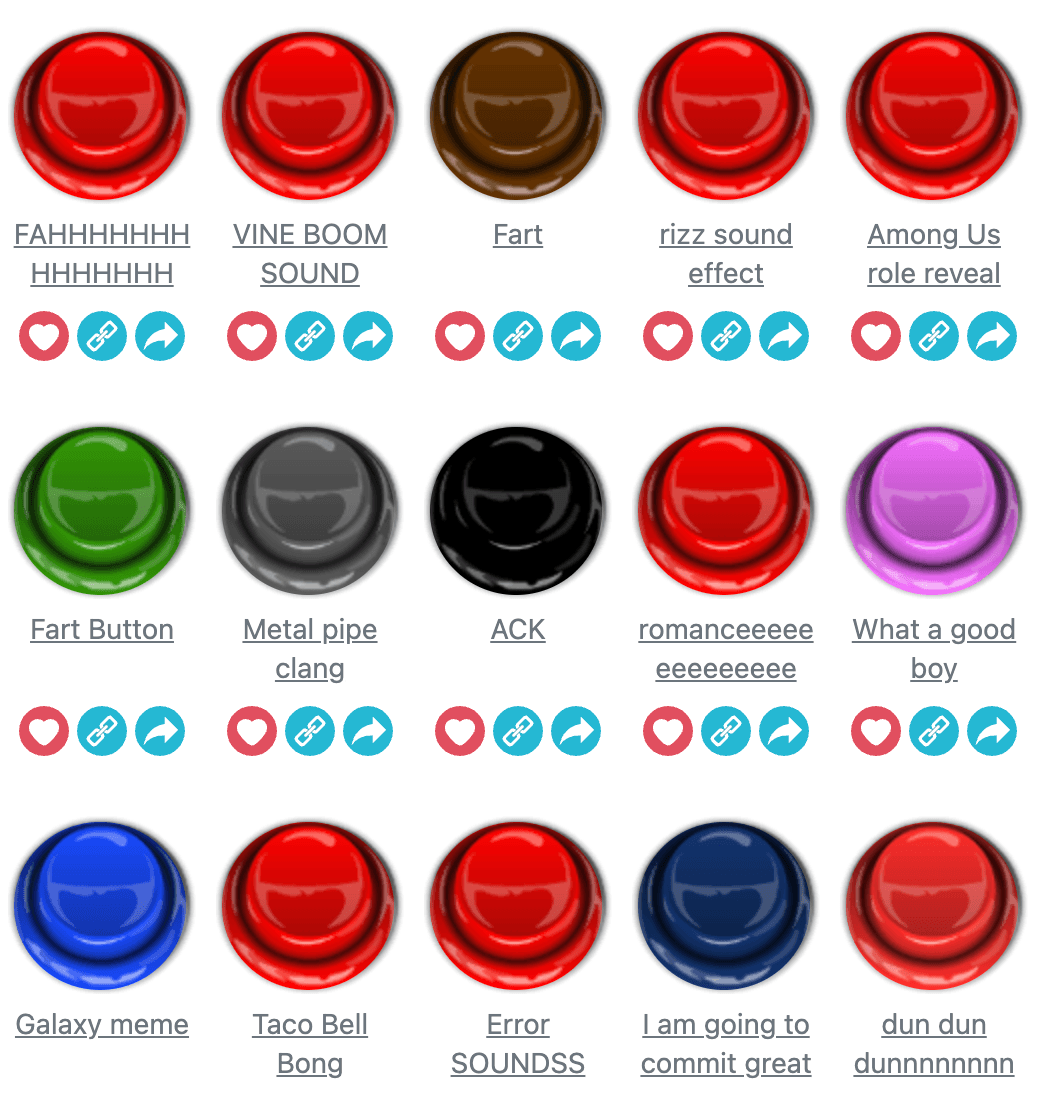
Soundboard meaning refers to an interactive audio tool where you click buttons to instantly play sound effects, music clips, voice lines, or other audio. Think of it like a digital mixing board: instead of physical buttons controlling live instruments, you're triggering pre-recorded sounds with a single tap or click. The appeal is immediate gratification, no setup, no downloads, just pick a sound and hear it right away.
The history and concept behind soundboards
Soundboards range from simple collections of memes and funny noises to professional tools used by streamers and content creators. The concept dates back to radio stations and TV studios, where soundboard operators managed audio during live broadcasts. Today's online soundboards bring that idea to browsers and phones, stripped down and made fun. Soundboard on Dubdoo fits this mold: it's a free, web-based audio board where you search for clips, mark favorites, and layer sounds together for entertainment.
How a soundboard works
Using a soundboard is straightforward. Every sound lives as a clickable button on your screen. Press one, and the audio plays instantly through your speakers or headphones. Most soundboards let you search for sounds by typing keywords into a search bar, so if you're looking for a specific clip, you don't have to scroll through hundreds of options. Favorites let you save sounds you use often, making them quick to find next time.
The real power comes when you layer sounds. Many soundboards support an Overlap mode, meaning you can play multiple clips at the same time. Trigger a bass drum, add a crowd cheer, and drop a horn sound all together, and you've created a quick audio mix. A Stop All Sounds button clears everything instantly, useful when things get chaotic or you just want to start fresh.
Why people use soundboards
Soundboards have become popular across several communities. Streamers use them to add energy and humor to their broadcasts, triggering laugh tracks, air horns, or meme sounds during gameplay. Content creators layer soundboard clips into videos for comedic timing. Friends use them to prank each other online or to add silly sound effects to video calls. Teachers sometimes use them to add sound effects during class lessons, or students use them to pass time between subjects.
The casual appeal is huge. You don't need to know music production, audio engineering, or even how to record your own sounds. Everything is ready to go. Click, hear it, done. It's a low-stakes, high-fun tool for anyone wanting to add audio flair without friction.
Soundboard on Dubdoo
Soundboard on Dubdoo lives in the Music category and is tagged as popular, no-download, and kid-friendly. You can play Soundboard free on Dubdoo directly in your browser with no setup. The interface is clean and responsive, working equally well on desktop or mobile.
The game leverages the core soundboard mechanic: click any button to play its sound, use the search bar to filter clips by keyword, toggle Favorites to save your most-used sounds, and switch Overlap mode on and off depending on whether you want to layer audio or play one sound at a time. Press Stop All Sounds to silence everything at once. It's designed for quick sessions, classroom breaks, and just messing around with audio.
Related music and audio games on Dubdoo
If you enjoy working with audio and sounds, Dubdoo's Music category offers other games and tools worth exploring. Soundboard pairs well with other casual, audio-focused experiences available on the platform, giving you more ways to experiment with sound and have fun without downloads.
FAQ
What is a soundboard used for?
A soundboard is used to play sound effects, clips, and audio instantly by clicking buttons. People use soundboards for entertainment, creating audio mixes, adding sound effects to streams, or just having fun with different noises and voice clips.
Can I use a soundboard at school?
Yes, Soundboard on Dubdoo is school-safe and designed for casual use. You can play clips quietly with headphones or use it during study breaks without any issues.
How do I find specific sounds on a soundboard?
Most soundboards have a search bar at the top where you can type keywords to find the sound you want. You can also browse through available clips or mark your favorites for quick access.
Can I play multiple sounds at once?
Yes. Many soundboards have an Overlap mode that lets you trigger multiple clips together to create layered audio mixes. You can also use a Stop All Sounds button to clear everything at once.